
In partnership with


Morning, AInauts,
Would you sign a contract you hadn't read? Probably not. Yet with AI, we do it every day: emails, code, presentations. A quick skim, then out the door.
If AI produces work faster than we can read it, what's our job anymore? That question came up at two AI conferences this week. We were there and brought back a few ways to tackle it.
Then things get colorful: ChatGPT now makes GIFs, and we pushed it in this issue. You'll see the results right here. Finally, a book that takes our opening question further: Which work should you hand over to AI in the first place?
Here's what we've got for you today:
Let's go!
You know the problem. Now build the fix.

You've spent years close to a broken industry or process. You know exactly what would fix it. But you’ve never had the time or resources to make it happen.
With Lovable, your expertise is all you need. Describe the solution to your problem — a website, a dashboard, an internal tool — and get professional-grade software back. You make every call on how it works, because you're the one who knows what it needs to do.
Start today and take $5 off your first month.
Discount of $5 applies to first month of any paid plan. You need to sign up via this webpage in order to claim the discount. The discount applies to new and returning users without an active paid plan. Terms apply.
🗽 Two Conferences, One Question: Who's Checking All This?
How do you attend two conferences at once? You don't. We sat in the front row at Cursor's Compile, then watched Every's Thesis: 2027 online afterward. Yes, at double speed. 😉 Here are a few impressions from the conference.
The Problem: Too Much Output, Too Few Eyes, Too Little Time
They were very different events, but they shared one problem.
At Cursor, an entire talk focused on the future of code review. The reason: agents can write more code in an hour than a team can review in a day. And the output is growing exponentially.
This isn't just a developer problem. It affects all of us.
If you use AI for emails, research or presentations, you know the feeling: the pile grows faster than you can work through it. This came up again and again throughout the talks.

The Solution: Check the Ground Rules, Not Every Step
The bottleneck has shifted from doing the work to reviewing it.
AI improves only where someone has defined what "good" means. A review ladder helps.
Visual note: this infographic is in German. It shows early checkpoints at 10% and 30%, risk-based review, and corrections saved as rules.

1. Check Early, Not Just at the End
Start with three sentences: what you want, what the agent may do and what counts as a good result. For example: "Reply to this complaint. You may offer a credit of up to €20. A good response leaves the customer knowing what happens next."
For longer tasks such as research or presentations, ask the AI to show its understanding at roughly 10% completion and its outline at 30%. A wrong approach then costs two minutes instead of extensive rework. After that, the agent continues on its own.
2. Match the Review to the Stakes
Is it internal and reversible? A spot check will do. Is it going to customers or spending money? Read every line. For everything in between, have a second AI check the work against your instructions, then look at the flagged passages.
AI narrows the selection; you make the decision. Choosing and cutting become the creative work. And when other people's trust is at stake, you get involved yourself.
3. Turn Every Correction into a Rule
Put each correction, with a one-sentence explanation, in a file your AI reads before every task. The aim is to avoid repeating the same mistake and make each round improve the next. That's the "Compound Sandwich."
You gradually hand over more: first the AI watches, then it prepares work for your approval, and eventually it works independently. We also test new models this way in our Vibe Check.
Visual note: the labels in this animated sandwich are in German. You set the goal and boundaries at the top; AI works in the middle; your review closes the loop at the bottom.

What We Learned Over Lunch
At many conferences, the best conversations happen between talks, during breaks, with other people. This one was no exception.
Paul builds human-in-the-loop playbooks for agents and people to work together: when should an agent ask, when can it decide, and when does someone need to approve? It's exactly the question above, turned into a blueprint.
Otar works at a large publicly listed gambling company. At work, his use of AI is tightly restricted. In his own time, he built a handy app for New York's Georgian community. He's not a programmer and isn't making money from it yet.
But the community trusts him. Anyone can copy code. Trust is harder to reproduce. We see that in our own community too.
Ben has the same pattern in a business setting. He recently left a major database company to start an AI startup.
His question: what's different in Germany? In short, people in the US build. In Germany, we first establish where the data lives, who approves and who's liable. Right now, that's making us fall behind.
The questions are still valid. We just need to answer them faster. Whoever does that builds trust, which is as hard to copy as Otar's community.
This video shows which kinds of businesses become stronger thanks to AI.

Our Take: You Set the Standard
Back to the central point: nobody can read every line an AI writes for us anymore. And doing so wouldn't make sense.
You'll increasingly be judged not by what you produce, but by what you can stand behind. Our job is shifting. Almost everyone becomes a manager of agents and results.
That means setting goals, defining what "good" looks like and making the few decisions on which trust depends.
A simple starting point this week: have your AI build a rule file that learns. The prompt below reviews your earlier corrections and turns them into a skill. Use it in Claude or ChatGPT with access to previous chats.
Learn from my corrections and review your own work from now on.

1. Search my previous chats for places where I corrected or rejected your results. Turn them into rules: one line per rule, explaining why and when it applies.
2. Classify my most common tasks by the harm a mistake could cause: internal and easy to correct = spot check. Medium stakes = check your work against the rules. Customers, money or irreversible actions = I read everything.
3. Pause twice during each task: at roughly 10%, show how you understood it; at roughly 30%, show your approach.
4. Show me everything, wait for my approval, then save it as a skill called "Review Loop." Read it before every task and add to it after each correction.

Don't invent anything. If something isn't possible, such as access to old chats or persistent storage, tell me what I need to enable.
Privacy-first email. Built for real protection.

End-to-end encrypted, ad-free, and open-source. Proton Mail protects your inbox with zero data tracking.
🎞️ How to Get Really Good GIFs Out of ChatGPT
We made the animated sandwich above with OpenAI's brand-new image model. The first version looked pretty, as you'll see below: robots typing, a flag waving, a checkmark glowing.
It didn't actually say anything. Only when the three layers appeared in sequence, each with a sentence explaining it, did the GIF explain something.
Lesson learned: movement is useful only when it explains something. The rest is decoration.

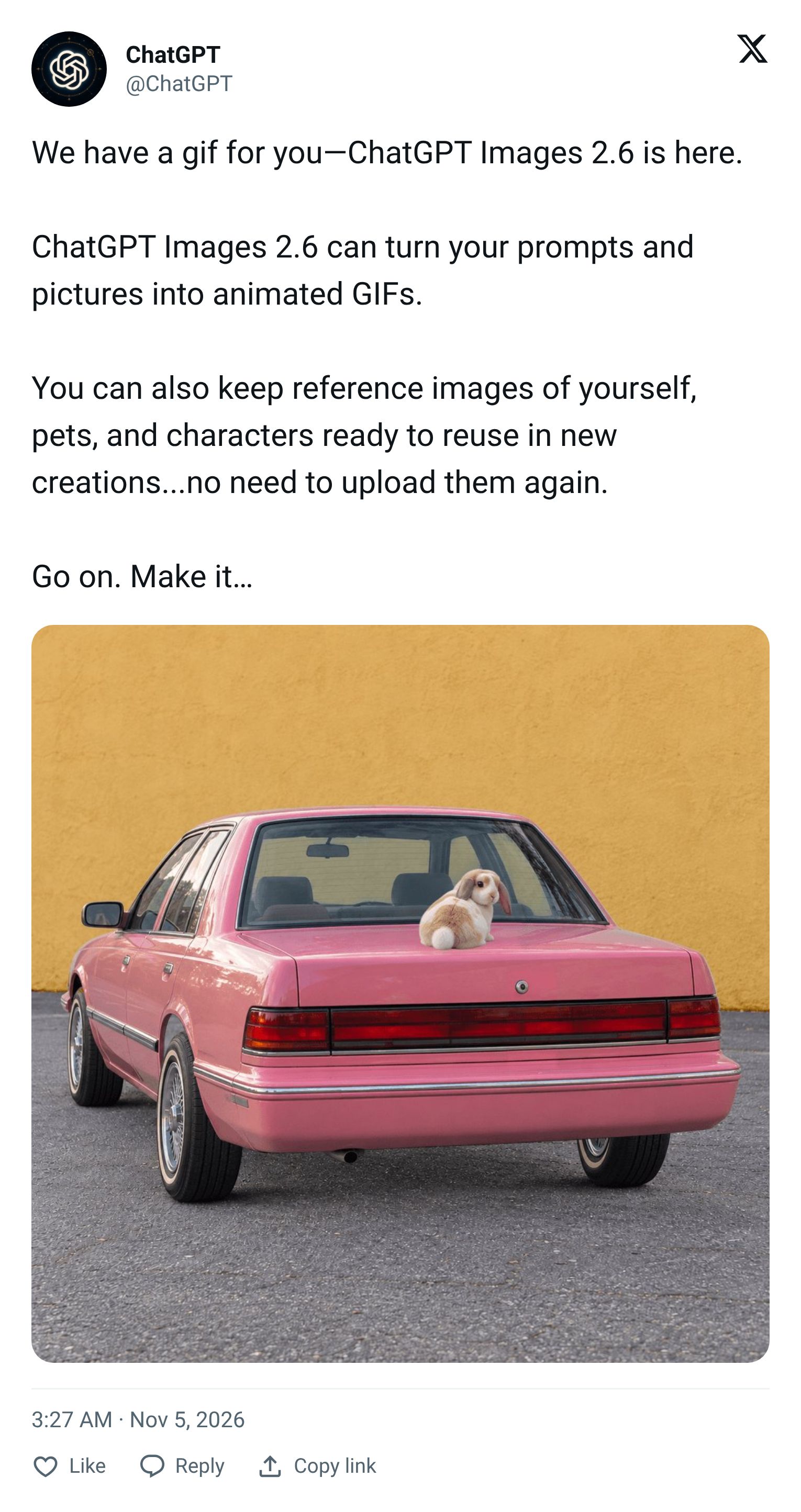
New in ChatGPT: Your Images Can Move
Images 2.6 is available to everyone in ChatGPT. It's said to be about 50% faster and better at preserving details across edits. Okay, cool.
Still images have long been a solved problem for us. GIFs are new: describe a loop or upload a still image, let ChatGPT animate it, then keep editing in chat. It won't edit an existing animated GIF from elsewhere, though.
Why care? Videos don't autoplay in most email clients. GIFs do!
A product rotating once, a three-step process, a waving mascot: no video tool or designer needed.
Five Ideas to Try
Here's how people are already using GIFs:
An animated website header: give ChatGPT your page URL and ask for a subtle looping background animation. Then recreate the effect in real HTML and CSS so the page loads quickly.
A mini-game from a GIF: the image model supplies your character's walking animation; your coding agent builds the game around it.
Your own pixel-art character: generate a 16-frame sprite sheet first, then the GIF. That keeps the character consistent across frames. Here's the skill.
Refine instead of starting over: once the GIF is ready, say "Add pink lasers" or adjust the speed from 0.5x to 2x. Here's how it works in ChatGPT.
Or build a little photo booth for your next event: guests upload a photo and get a GIF back. Nice one!
Visual note: the captions in this GIF collage are in German. They illustrate a website animation, a GIF-based mini-game, a sprite-sheet character and edits made in chat.

Seven GIF Hacks to Try
These seven tricks help your GIFs loop smoothly without unwanted wobble. More here:
Add text last. Animate only the scene, then overlay the lettering afterward. Otherwise, the letters wobble. That's how we made the sandwich above.
Make the last frame match the first. Otherwise, the loop jumps. Put it directly in your prompt: "Our mascot waves twice and returns exactly to its starting pose. Camera and background stay fixed. No text."
The first frame must work on its own. Classic Outlook on Windows shows only the first frame.
Rotate your product. Upload a product photo and write: "One slow 360-degree rotation. Keep the shape, label and colors unchanged. End exactly in the starting position."
Nine stickers from one image. First make a 3 × 3 grid of your mascot with nine expressions, then animate each cell separately. There's your sticker set for Slack, Teams or WhatsApp.
Use a grid, not guesswork. For smooth loops, first create a 6 × 6 grid showing one continuous movement, with identical first and last cells. Then give ChatGPT this instruction: "Turn this 6x6 grid into a GIF. Frames 1 through 36, strictly left to right and top to bottom. No in-between frames, 60 ms per frame, infinite loop."
Separate changes from things to keep. Write two lists: "Change: make the cup red. Keep: shape, lighting, background, camera." That helps the rest stay stable. Adjust the speed and individual frames afterward in chat.
To try it, paste this prompt into ChatGPT. That's all you need:
Surprise me with a GIF.

Look through our recent chats and pick a topic that's been on my mind. Turn it into a short, endlessly looping GIF that makes me laugh or shows me something I haven't seen before.

Make it work:
- One scene, one movement, about 3 seconds. Camera and background stay fixed.
- No text in the image. The last frame matches the first so the loop doesn't jump.
- If you know my logo, mascot or photos of me, include them.

Then tell me in one sentence why you chose this topic, and suggest two variations I could try next.
Our Take: Movement Needs to Explain Something
Movement got cheap this week. A GIF costs you one sentence. What stands out won't be having movement, but having movement that shows something.
A process that builds in three steps can save you a paragraph. And yes, that adds to the pile from the first segment. All the better if you've already got your review ladder.
📚 Book Pick: Co-Existence. Which Work Do You Hand Over to AI?
Ethan Mollick, a Wharton professor and one of the best-known AI explainers, let an AI continue writing his new book. Brave move...
At first, it sounded surprisingly like him. Over longer passages, though, it became a caricature. AI could sound like him. It didn't know what he wanted to say.
In Co-Existence, he turns that into a simple question: how do you work with an AI that can do many things better than you without surrendering your judgment?
Three Ways to Work with AI
His answer is three working modes. None is better; each fits different tasks.
Visual note: this diagram is in German. Left to right: division of labor (centaur), back-and-forth collaboration (cyborg), and handing over a defined task (conjurer).

Division of labor. Mollick calls this the centaur, half human and half horse. You and the AI have clearly separated jobs: you do the analysis, AI writes, you review. It fits when you know exactly which part is yours.
Ping-pong. This is his cyborg. You work together step by step: idea, question, counterargument, new draft. You stay at the wheel throughout. It fits when you discover what you want by doing the work.
Handing over a task. Mollick calls this the conjurer. Describe the goal, context, boundaries and what a good result looks like. Then an agent works independently and you review at the end. It fits clearly defined packages such as research or a report.
He constantly switches between these modes. So do we. He writes chapter drafts himself and plays ping-pong during research.
For a calculation of water consumption, he asked several models to cross-check it. Two found an arithmetic error; a third found a newer version of the study.
That brings us back to the review ladder: the clearer your rules and the lower the stakes, the sooner you can move from ping-pong to handing over a task.
What Else Is Inside
One strong idea in the book: some effort just slows you down, while other effort helps you understand.
For example, if the product and audience are clear, AI can write the marketing copy. If the team still disagrees, writing is how you work things out. Bring AI in too early and you skip the very part where the decisions happen.
Two other themes run through the book. First, the "jagged frontier": AI fails at some easy tasks and handles some difficult ones effortlessly. The only way to locate that boundary in your own work is to experiment.
Then there's the pace: capabilities double every few months, and each doubling is larger than all the progress before it combined. Plans built around today's tools go out of date accordingly.
A widely discussed report this week shows how real that is: an independent evaluator was allowed to assess Anthropic and found its models are improving twice as fast as a year ago, largely because AI now helps build its own successor. That deserves an article of its own.
Our verdict on the book: you won't find tool tips. That's right, because they'd be outdated in three months anyway.
Instead, you get the right questions. Those last longer than any model.

That's it! See you next time. And since you've read this far:
Reto & Fabian from AInauten
